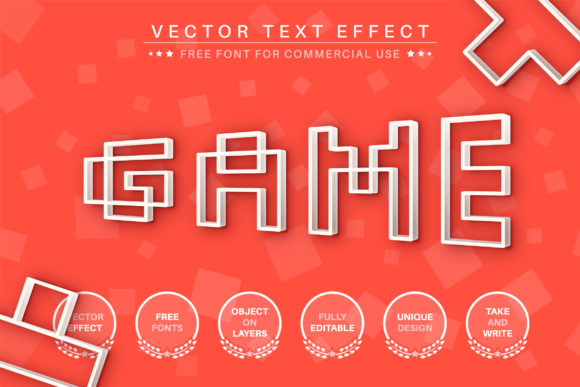
Game: A Versatile Editable Text Effect for Bold Designs
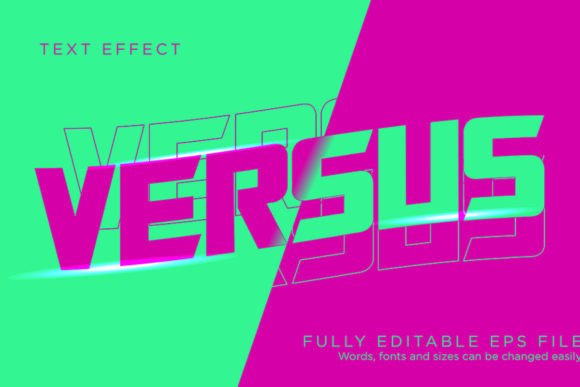
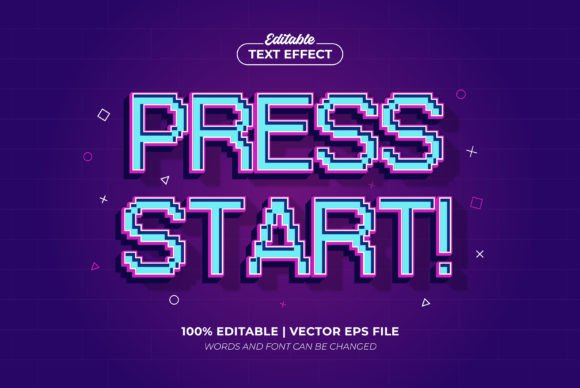
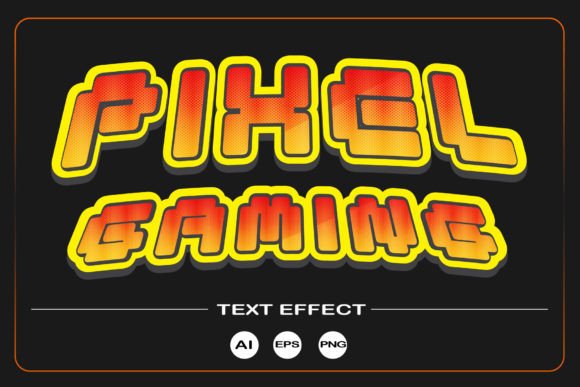
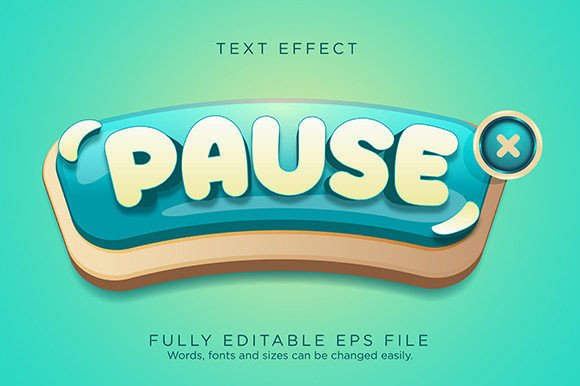
Imagine transforming any word into a dynamic, eye-catching visual with just a few clicks. That's the promise of the Game - Editable Text Effect, Font Style, a creative asset designed to inject energy and uniqueness into your projects. This isn't just a static font; it's a flexible vector text effect that adapts to your vision, perfect for designers seeking a distinctive touch without the hassle of starting from scratch.
What Makes This Text Effect Stand Out?
At its core, the Game effect is a premium, editable design asset. Delivered in vector formats (EPS and AI), it allows for limitless scaling—whether you're working on a tiny social media icon or a massive billboard. The files are optimized for Adobe Illustrator CC2014 and higher, giving you full control to customize colors, resize, rotate, and tweak every element to fit your project's needs. The use of free commercial fonts in the illustrations means you can maintain a professional look without additional licensing worries for the base typography.
Creative Applications for Any Project
The versatility of this text effect makes it suitable for a wide range of design scenarios. Its bold, engaging style can elevate:
- Brand Identity & Logo Design: Create memorable logos or brand marks that stand out in crowded markets.
- Poster and Packaging Design: Add a playful or competitive edge to event posters, product labels, or merchandise.
- Social Media Graphics: Design scroll-stopping visuals for campaigns, stories, or profile banners.
- Editorial and Web Design: Use it for magazine headlines, website hero sections, or digital product covers to grab attention instantly.
- Invitations and Greeting Cards: Craft unique, personalized invitations for parties, launches, or special occasions.
Think of it as a tool to bridge the gap between a concept and a polished, professional result. The "Game" effect is particularly effective for projects related to gaming, sports, entertainment, tech, or any context where you want to convey excitement and modernity.
Tips for Choosing and Using the Game Font Style
While this asset is designed for ease of use, a few best practices can help you get the most out of it:
- Check Readability: Always test how your customized text looks at different sizes, especially for body copy or smaller applications.
- Match the Mood: Ensure the style aligns with your project's tone. The bold nature of this effect suits energetic themes better than formal or minimalist ones.
- Experiment with Font Pairings: Pair it with a clean sans serif font or a simple serif font for body text to create visual hierarchy and balance.
- Review the Documentation: The included PDF manuals are invaluable. They provide step-by-step guidance on applying the effect to text and logos, helping you master customization quickly.
- Consider the License: Always verify that the usage rights align with your project, whether it's for personal, commercial, or client work.
Investing in the right creative font or text effect is a key step in building a cohesive and professional visual identity. The Game - Editable Text Effect offers a blend of artistic flair and practical flexibility, empowering you to produce designs that feel both unique and polished. By leveraging its vector-based adaptability and following simple design principles, you can enhance brand recognition, ensure visual consistency, and bring a fresh, dynamic energy to your creative toolkit.